How I edit my Instagram photos
I love love Instagram, it’s one of my favourite apps that I’m addicted to! I remember the time I used to post countless pictures of my dogs, and now I have OCD about my theme ha. I feel sad saying that, but I do really enjoy having a pretty theme though I know themes aren’t everyones cups of tea. I thought I would do a post on editing Instagram images with my favourite app. I usually take my Instagram photos on my DSLR in bulk, but sometimes do take some with just my iPhone. My photos forever have a blue tinge cause of the bad lighting I have at home, I’m starting to grow to like the effect!
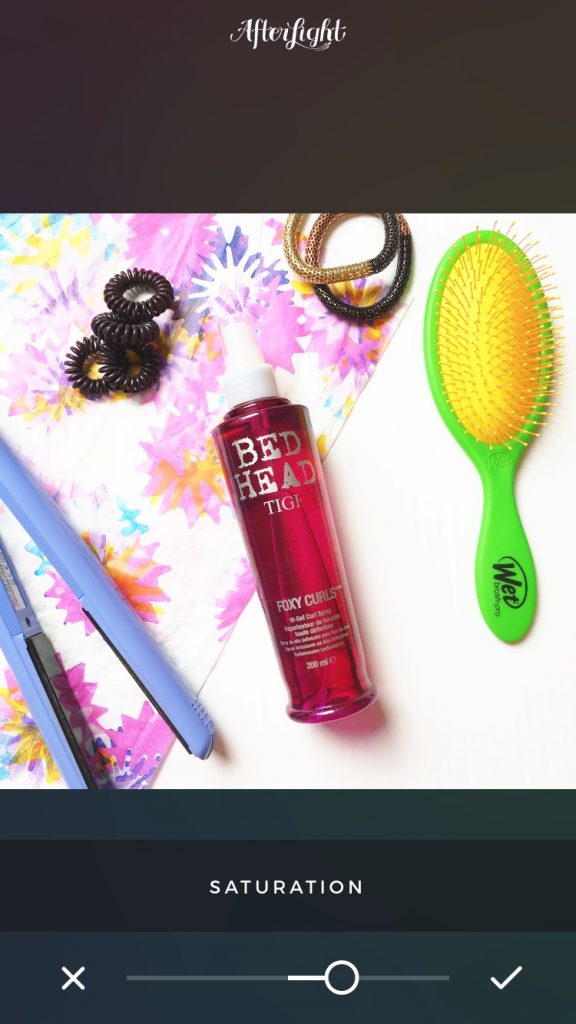
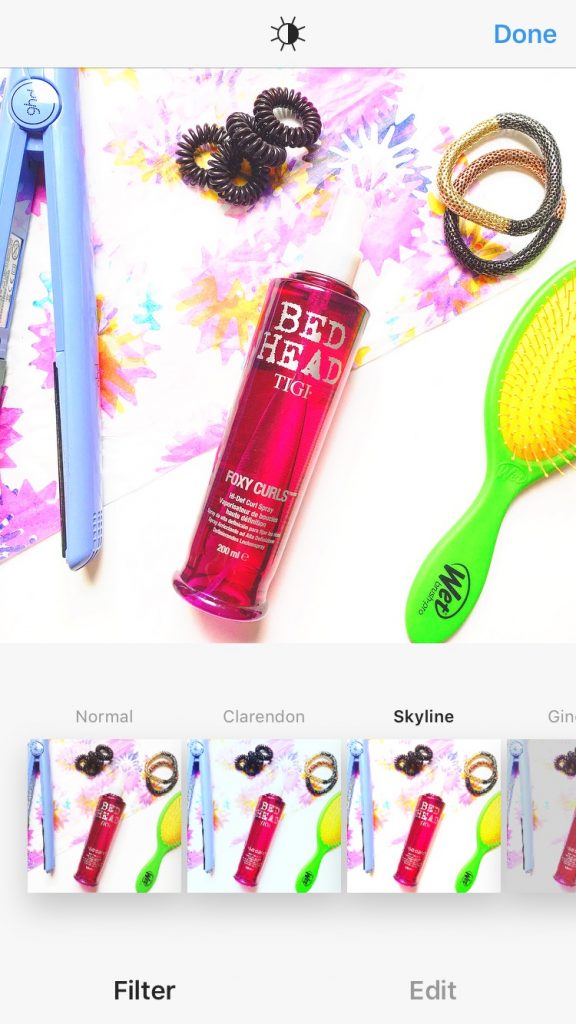
My favourite App is Afterlight – it’s not free, but it’s only 79p so not exactly breaking the bank! I was at one point obsessed with VSCO, but I changed my Instagram theme to the white borders a little while back (which I then changed back from), which VSCO didn’t have. If you love a good filter/exposure VSCO is probably best for you, but if you want a white border of some form then Afterlight is amazing and so so easy to use. It also doesn’t pixelate any of your images either, which made a huge difference to my Instagram..I haaate fuzzy images!
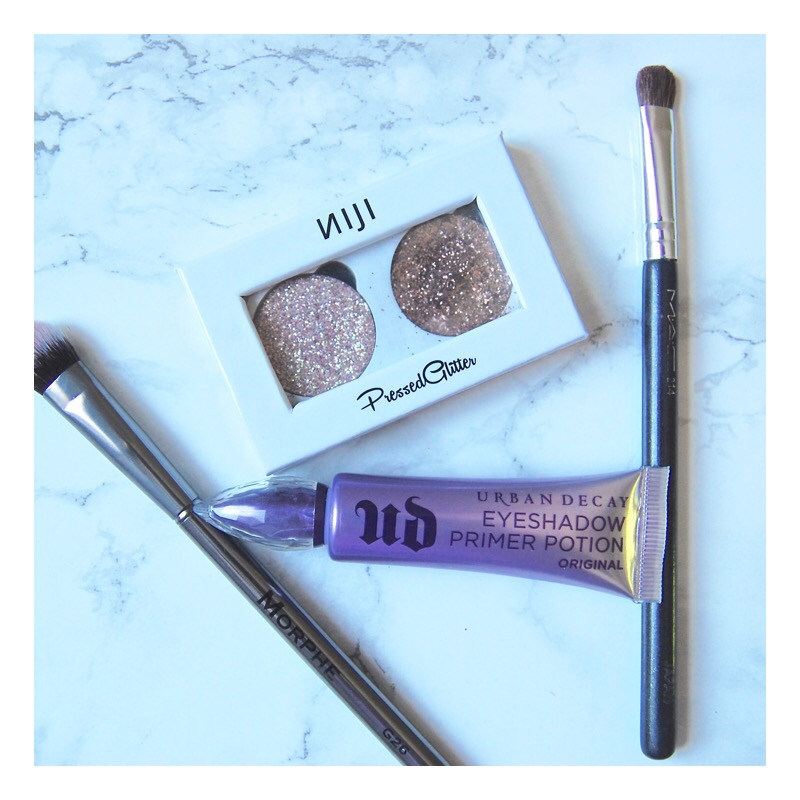
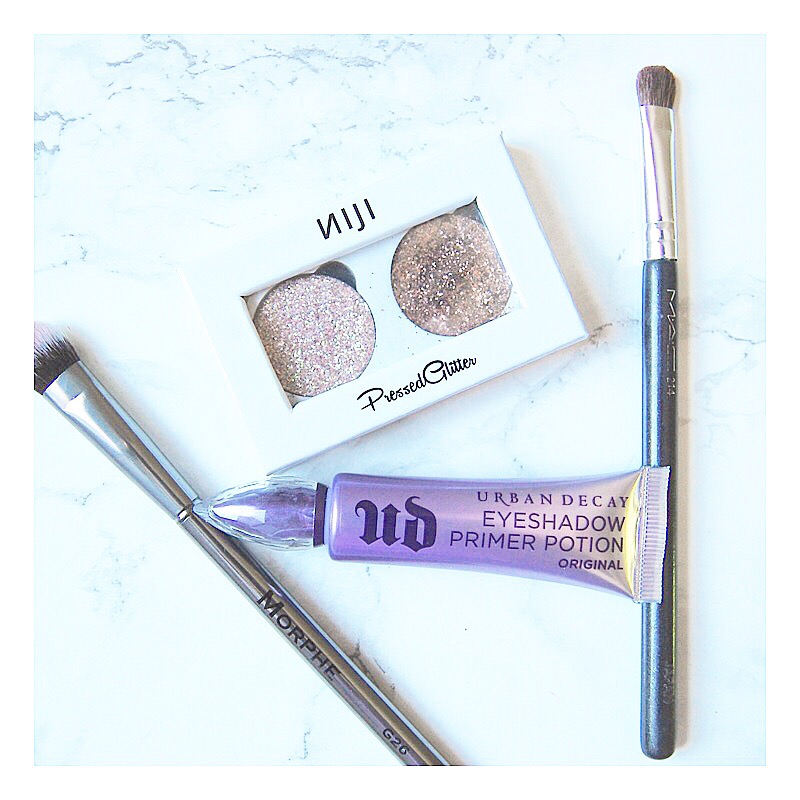
How I edit my photos:
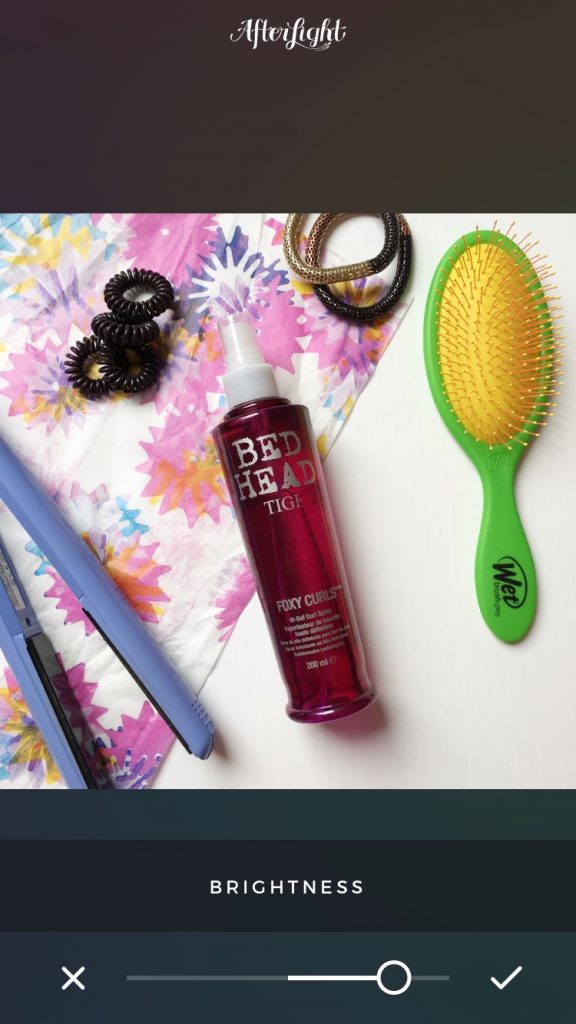
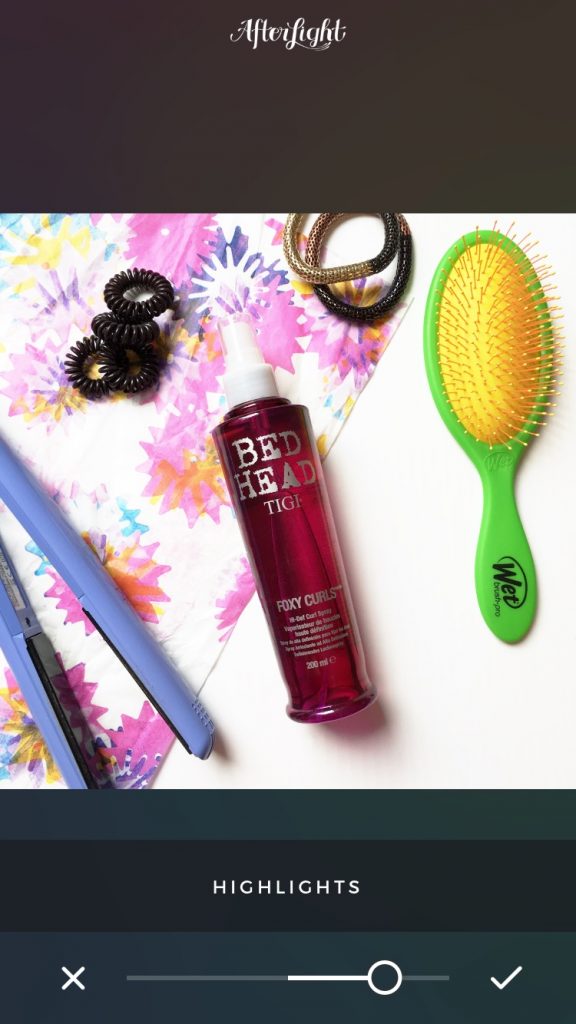
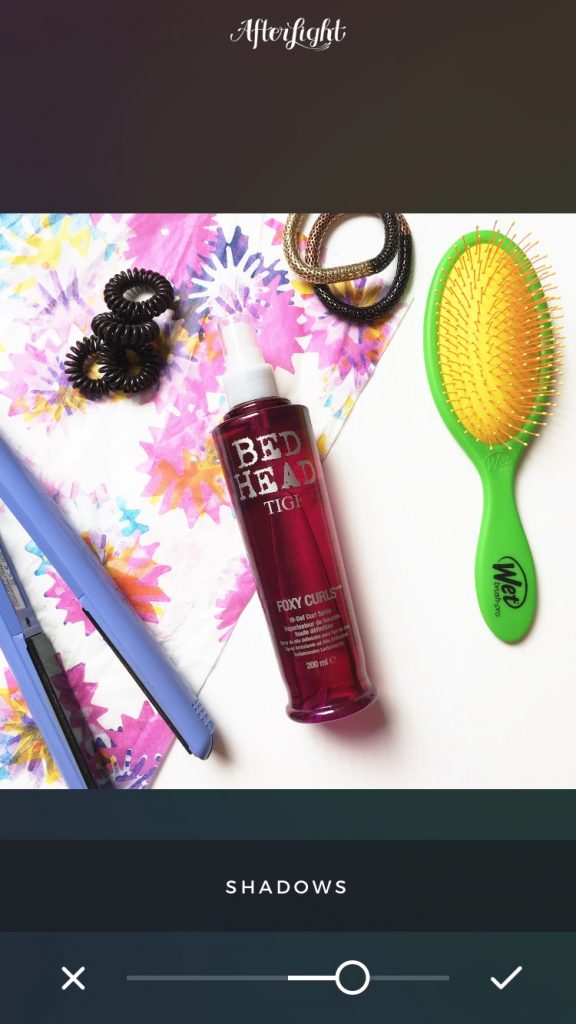
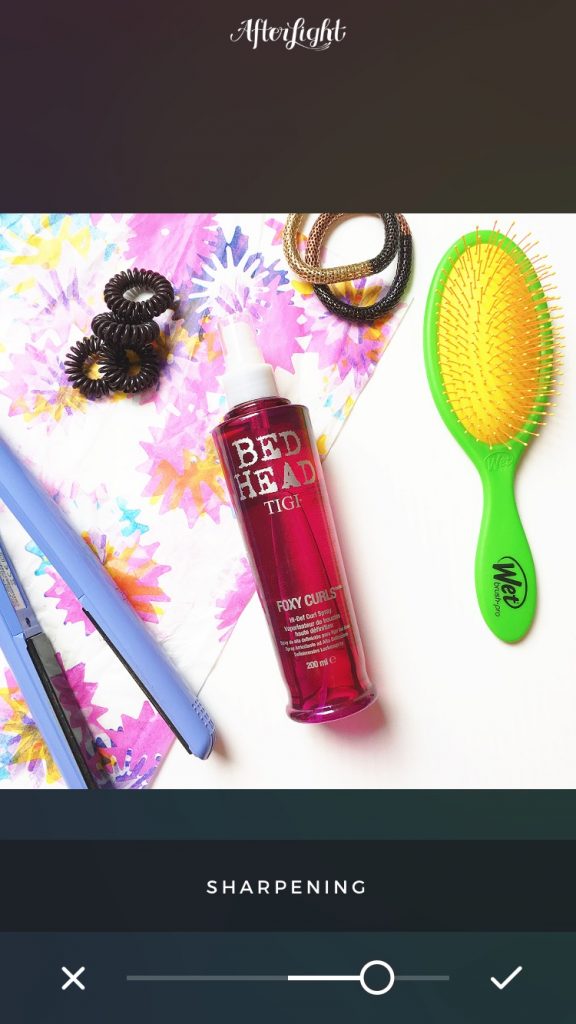

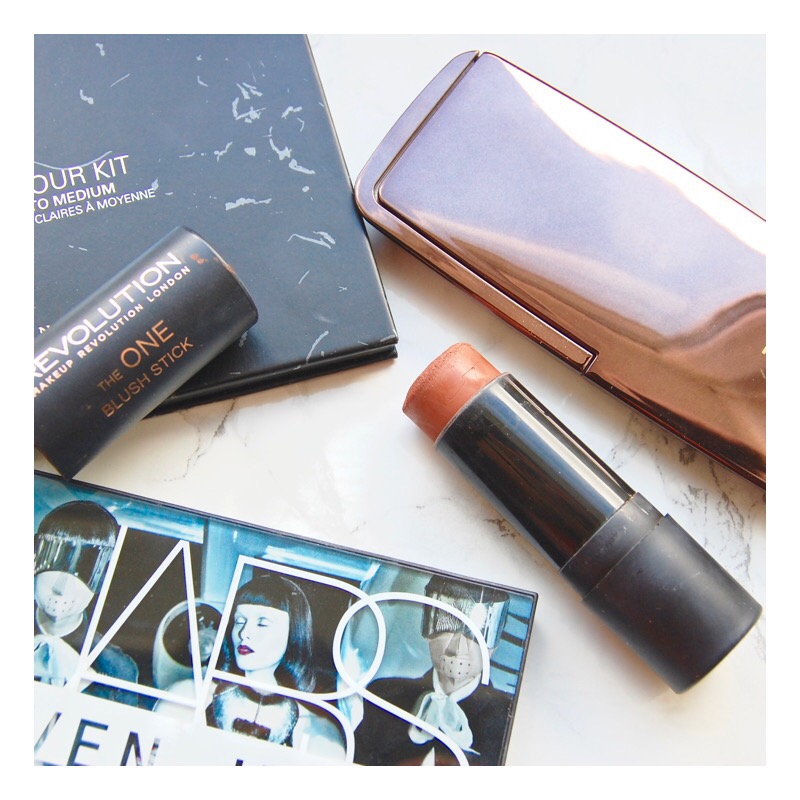
What is your favourite Instagram theme? Or is it none at all?
See more of my blog tip posts here: Creating a Media Kit and Being a Good Blogger.